
How to Buy SPX Technologies, Inc. (SPXC) Stock

Buy SPX Technologies, Inc. (SPXC) stock on Gotrade: create an account, verify (KYC), deposit from US$5, then buy SPXC from US$1. A step-by-step guide.
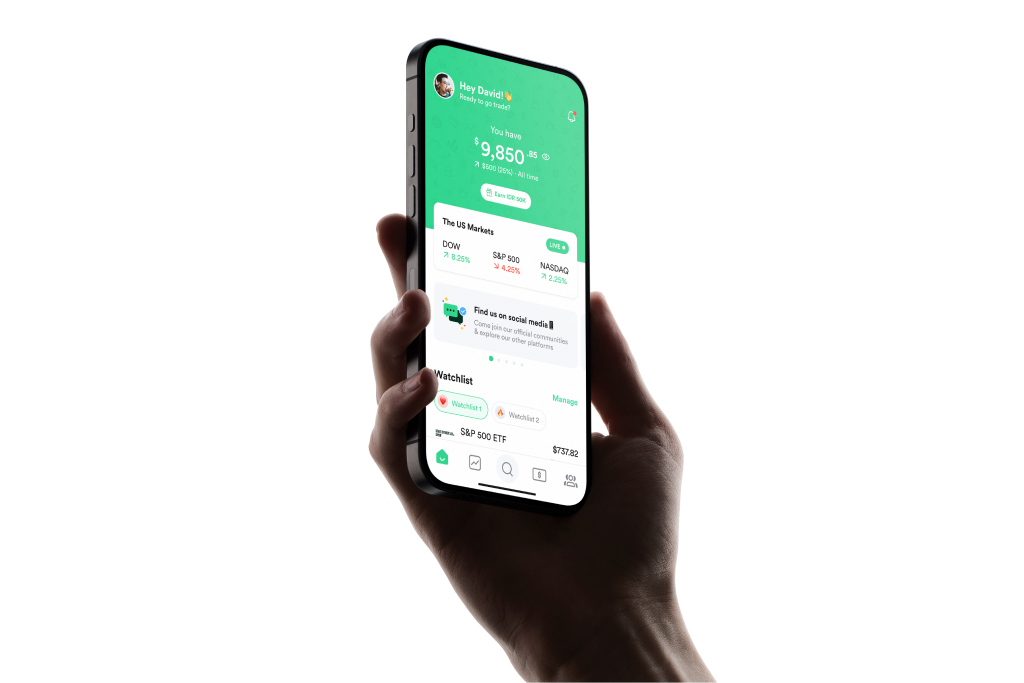
Gotrade app

How to buy SPX Technologies, Inc. (SPXC) stock in 3 steps

Buying SPX Technologies, Inc. stock through Gotrade takes just 3 steps, and can be done the same day.

1

Create an account

Download the Gotrade app on the App Store or Google Play, sign up, then verify your identity (KYC). It’s usually done the same day.
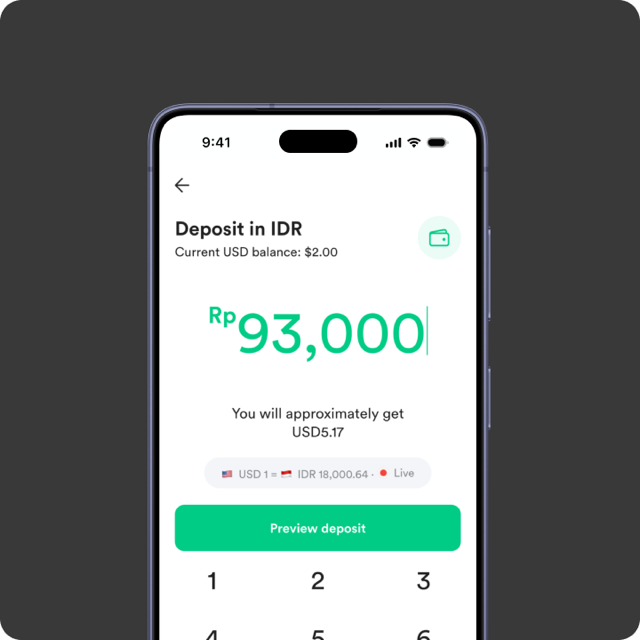
2

Add funds

Deposit funds easily and securely via the available local payment methods.
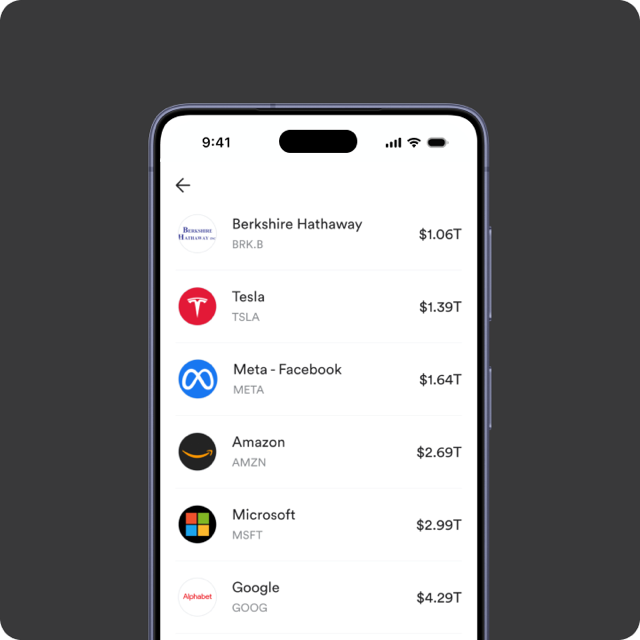
3

Buy SPXC

Search for SPXC, open its stock page, then tap “Buy”. Enter the amount you want to buy, then confirm your order.

SPX Technologies, Inc. (SPXC) stock price today

Own a piece of one of the world’s most valuable companies, starting from US$1.

Loading...
Chart by TradingView

Today's change

-

Market cap

$10.88B

Current price

$217.32

Dividend yield

0.00%

52-week range

$179.62 - $251.08

P/E ratio

38.10

See more

Invest in SPX Technologies, Inc. from US$1

With fractional shares, you don’t need to buy a full share worth hundreds of dollars. Start from just US$1 and you’re officially a SPX Technologies, Inc. investor.

What is SPXC stock?

SPXC is the ticker symbol for SPX Technologies, Inc. on the NYQ exchange. Buying SPXC means owning a fractional share of SPX Technologies, Inc., so you share in the company’s performance and potential dividends.

SPX Corporation is a global supplier of infrastructure equipment. The Company operates through three segments: HVAC; Detection and Measurement, and Engineered Solutions. The HVAC solutions offered by its businesses inclu… Read more

Buy SPX Technologies, Inc. (SPXC) Stock Right in the App

Start investing in SPXC today. Invest in SPX Technologies, Inc. and 600+ US stocks from US$1, with low 0.3% fees per trade and no hidden charges. Backed by Alpaca, a licensed US broker.
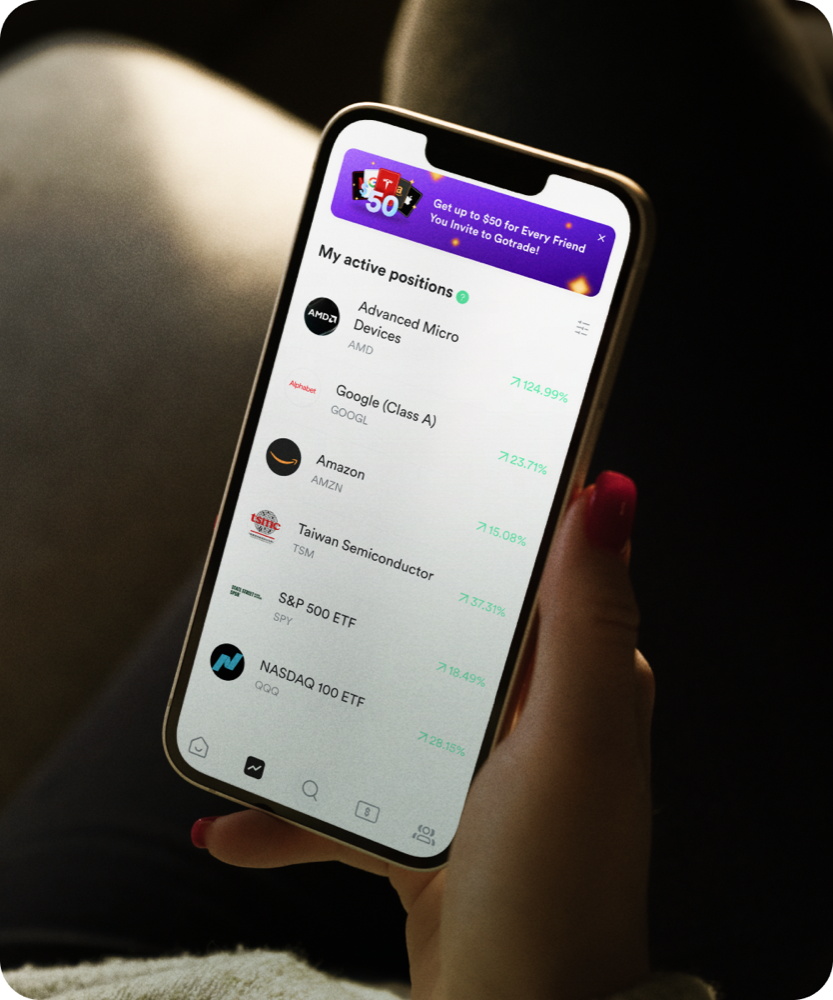
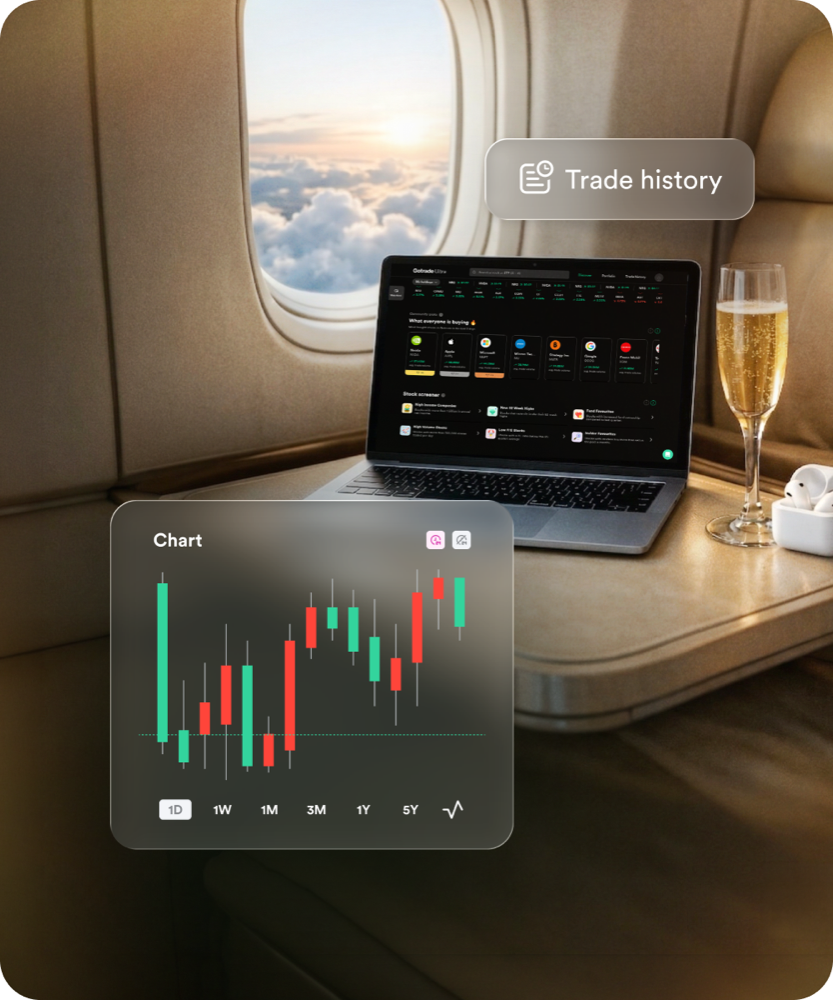
Advanced Trading Features

Access pro-grade charts and real-time market data powered by Gotrade, follow Analyst Signals live, and explore the historical performance of any stock. All in one app.

Invest in SPX Technologies, Inc. with Gotrade

Discover stocks, automated trading, and more, right inside Gotrade. See our top ratings and why millions of investors trust us.

4.7
1.9K reviews | Rated on 12.06.2024
4.6
7.28K reviews | Rated on 12.06.2024

Still Confused About How to Buy SPX Technologies, Inc. (SPXC)?

Buying SPXC on Gotrade takes just 3 steps:
1. Download the Gotrade app, create an account, then verify your identity (KYC).
2. Deposit funds via an available local payment method.
3. Search SPXC, tap “Buy”, enter an amount from US$1, then confirm.
Gotrade is supervised in Indonesia and backed by Alpaca, a licensed US broker.

SPXC’s price moves in real time on the NYQ exchange. You can see the latest SPXC price along with its chart and performance right on this page or in the Gotrade app.

You can start investing in SPXC from just US$1 thanks to fractional shares — no need to buy a full share that can cost hundreds of dollars.

No. Unlike the Indonesian exchange, the US market has no 1-lot requirement. On Gotrade you can even buy fractional SPXC shares from US$1.

SPXC can be one option for beginners since SPX Technologies, Inc. is a large, easy-to-follow company. However, all investing carries risk — do your research and start small. This is not a recommendation to buy.

If SPX Technologies, Inc. pays a dividend, fractional shareholders still receive it, proportional to their holding. On Gotrade, cash dividends are credited to your account balance automatically (after tax).

Yes. Gotrade Indonesia operates through a futures broker registered and supervised by Bappebti (PT Valbury Asia Futures), and assets are held via Alpaca Securities, a licensed US broker.

The US market is open Monday–Friday, 9:30 AM–4:00 PM New York time (about 21:30–04:00 WIB, adjusting for Daylight Saving Time). Gotrade also offers extended-hours trading outside regular hours.

Open your SPXC position in the Gotrade app, tap “Sell”, enter the amount to sell, then confirm. Proceeds go to your account balance and can be withdrawn to your local bank.

Looking for Other Investment Options?

The possibilities are endless. Explore our complete stock screener and find companies that match your strategy.

AppLogo

Gotrade